How to send a message in chat
To send a message in an artist's chat on Kollekt, you'll need to have joined the chat first. Once you're in, the composer at the bottom is where everything happens.
1. Tap the message bar.
At the bottom of the chat, tap Send a message... The keyboard opens. Type your message and tap the purple send arrow on the right.
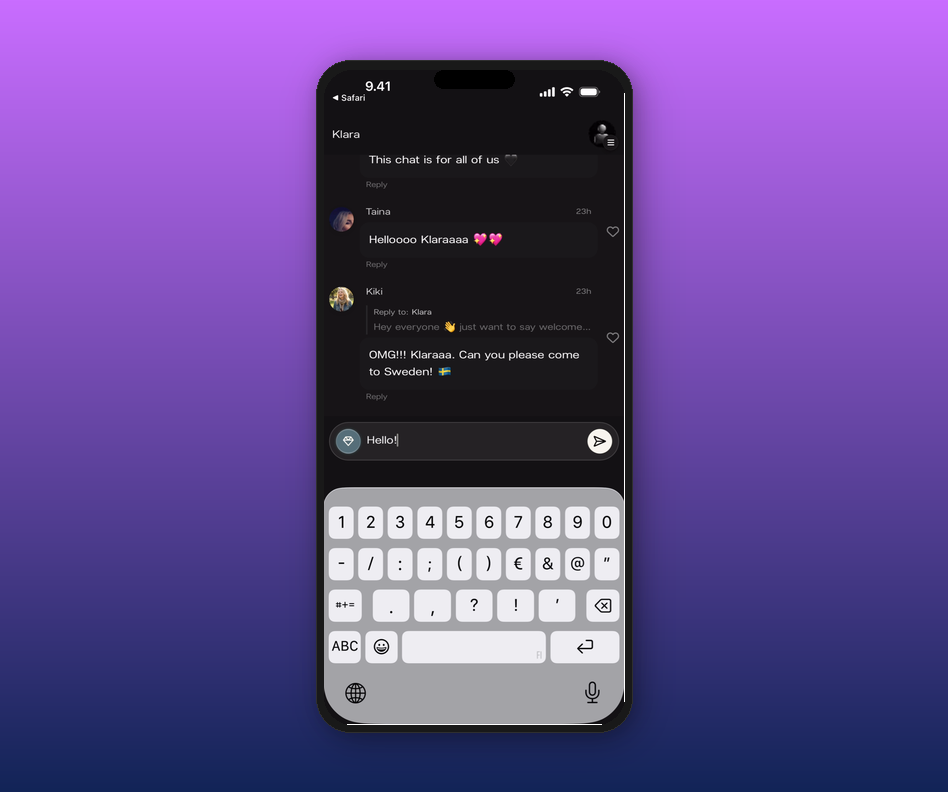
2. Add a photo or video (subscribers).
Tap the + button to the left of the message bar to attach an image or video. This option is only available if you subscribe to the artist.
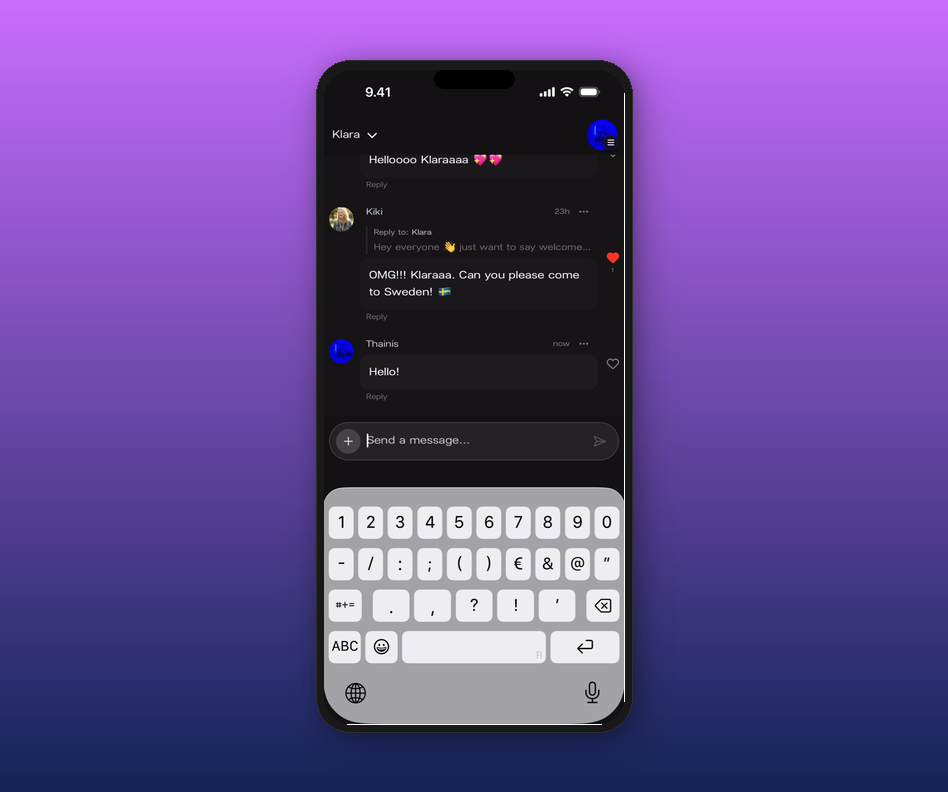
3. Reply to a specific message.
Find the message you want to reply to and tap Reply. A small bar appears above the input showing what you're replying to. Type your response and send. Your reply shows up as a thread under the original message.
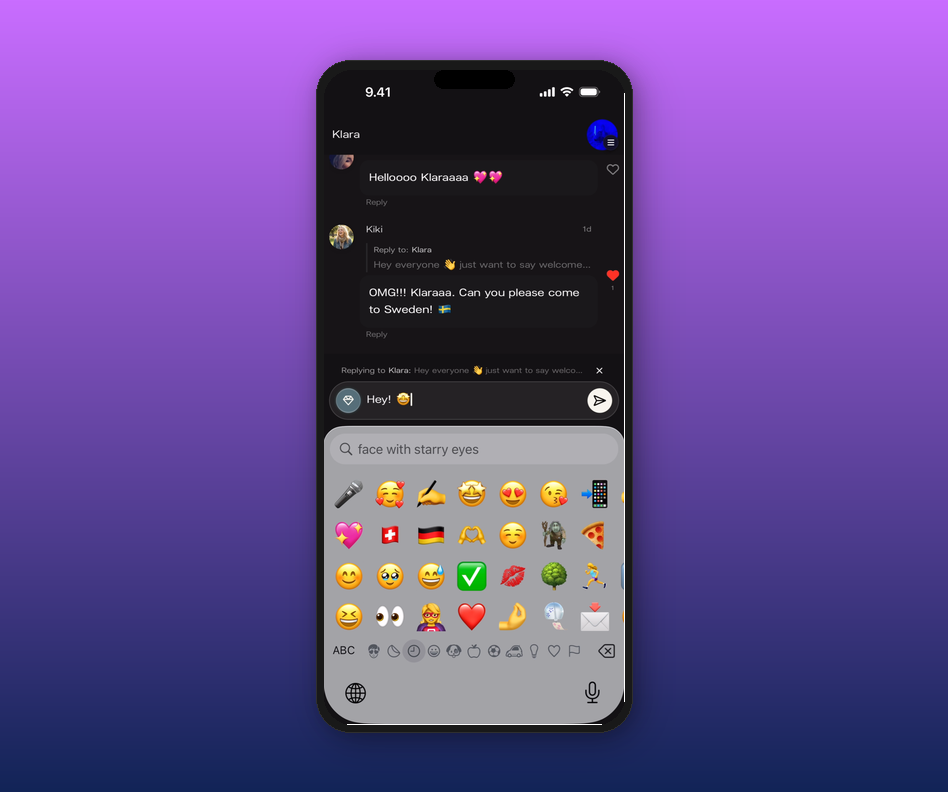
4. React with a heart.
Tap the heart icon next to any message to react. The heart fills in red. Tap again to remove your reaction.
5. Delete one of your messages.
Tap the ··· menu on a message you sent and choose Delete Message. You can only delete your own messages — moderators can delete anyone's.
Related articles
How to join an artist's chat
Can I message artists or other fans directly?
How do I access the chat?
How to subscribe to an artist
Updated on: 17/04/2026