How to access the Direct Line
To access an artist's Direct Line on Kollekt, you'll need to be following them first. The Direct Line is the artist's personal feed inside their Kollekt page. Only the artist posts here — photos, videos, voice notes, and text updates straight from them.
1. Open the artist's page.
Tap the artist's card on your home screen, or open kollekt.io/artistname in your browser.
2. Tap the Direct Line tab.
At the bottom of the artist's page, tap Direct Line. You'll land in the feed with the newest posts at the top.
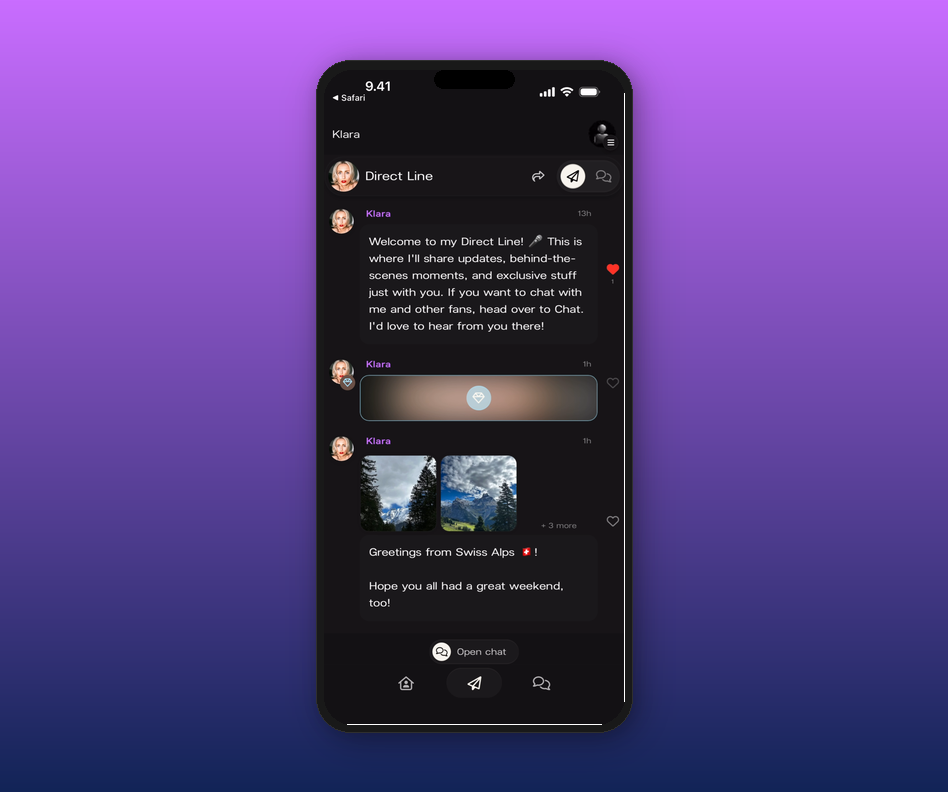
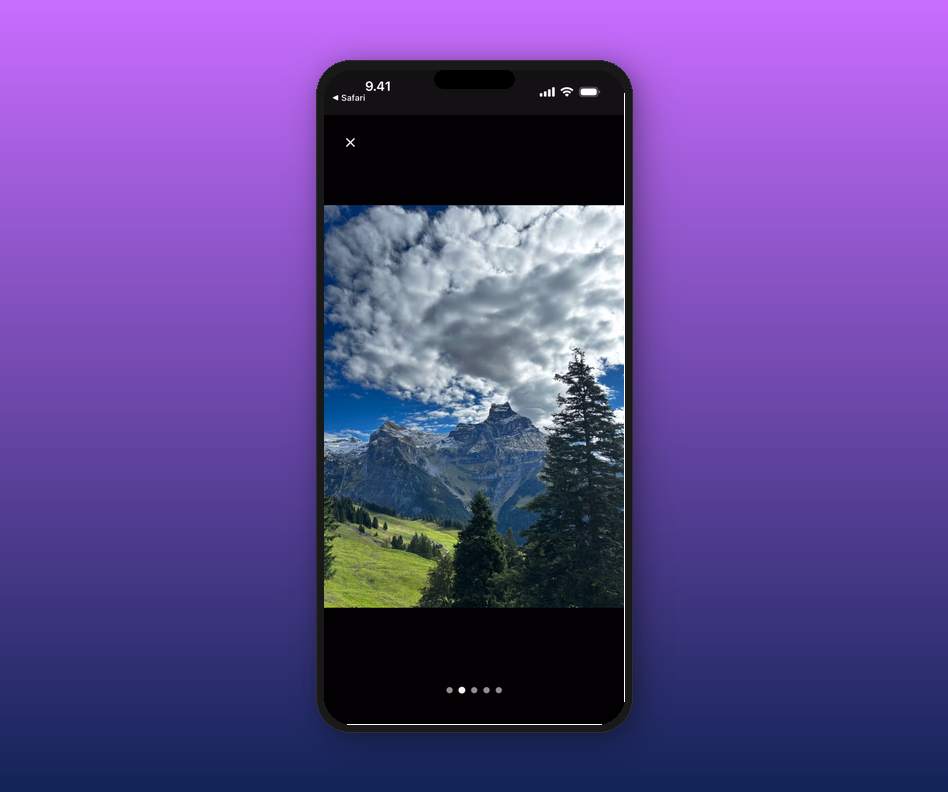
3. Tap a photo to view it full screen.
Photos expand to full screen when you tap them. If a post has multiple images, swipe through them and use the pagination dots at the bottom to see where you are.
4. React with a heart.
Tap the heart on any post to show the artist some love. You can't reply to Direct Line posts — for conversation, head to the Chat tab.
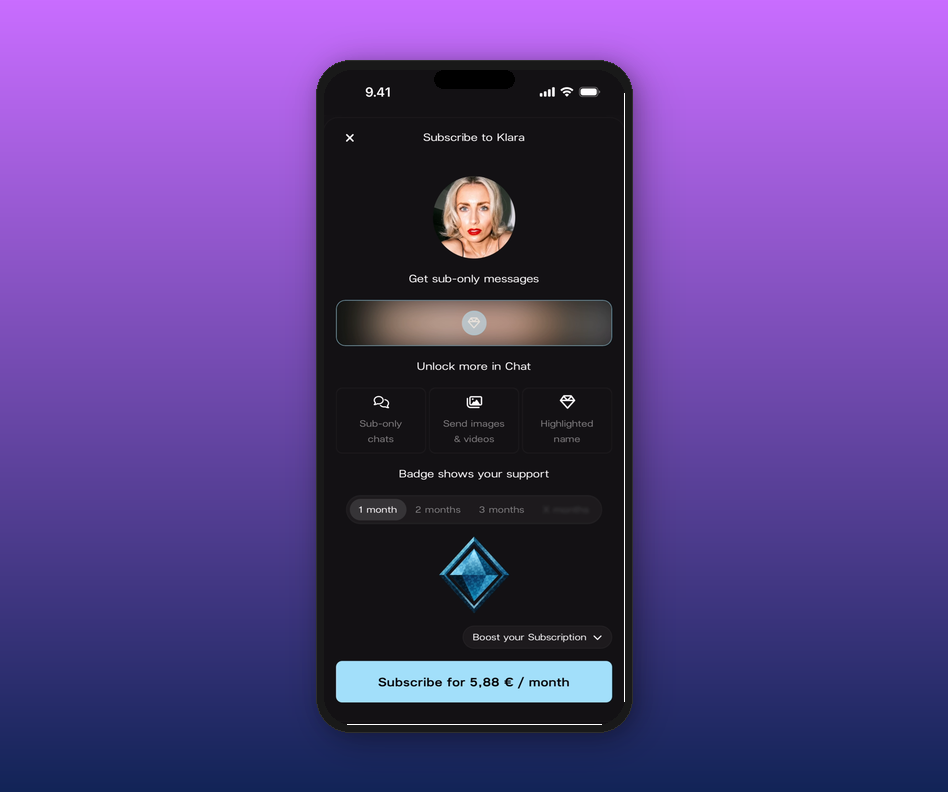
5. Unlock subscriber-only posts.
Some posts are hidden behind a subscription. You'll see a locked preview and a blur. Tap one to open the subscribe modal and unlock everything the artist has shared for subscribers.
Related articles
What is a Drop?
How to subscribe to an artist
What happens when I follow an artist?
How to join an artist's page
Updated on: 17/04/2026