How do I sign in?
Kollekt has no passwords. Enter your email, we send you a link, and opening it signs you in. It works the same whether you're new or coming back.
Sign in with your email
1. Tap Log in or sign up
Go to app.kollekt.io/login, or open the menu and tap Log in or sign up.
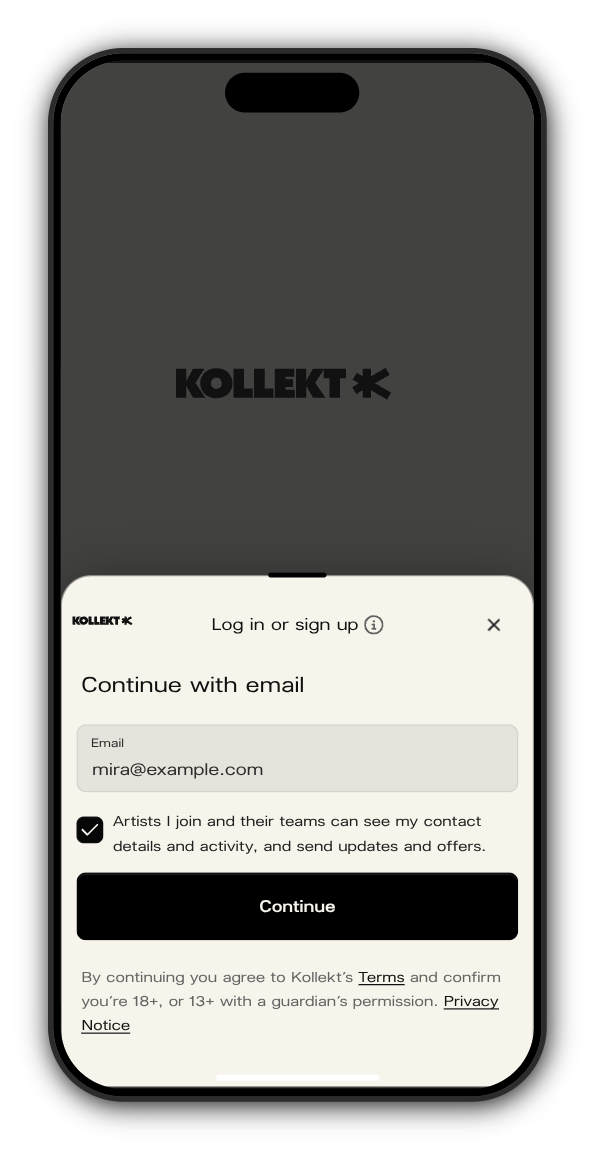
2. Enter your email and tick the box
The box says that artists you join and their teams can see your contact details and activity, and send you updates and offers. Continue works once it's ticked.
3. Open the email we send you
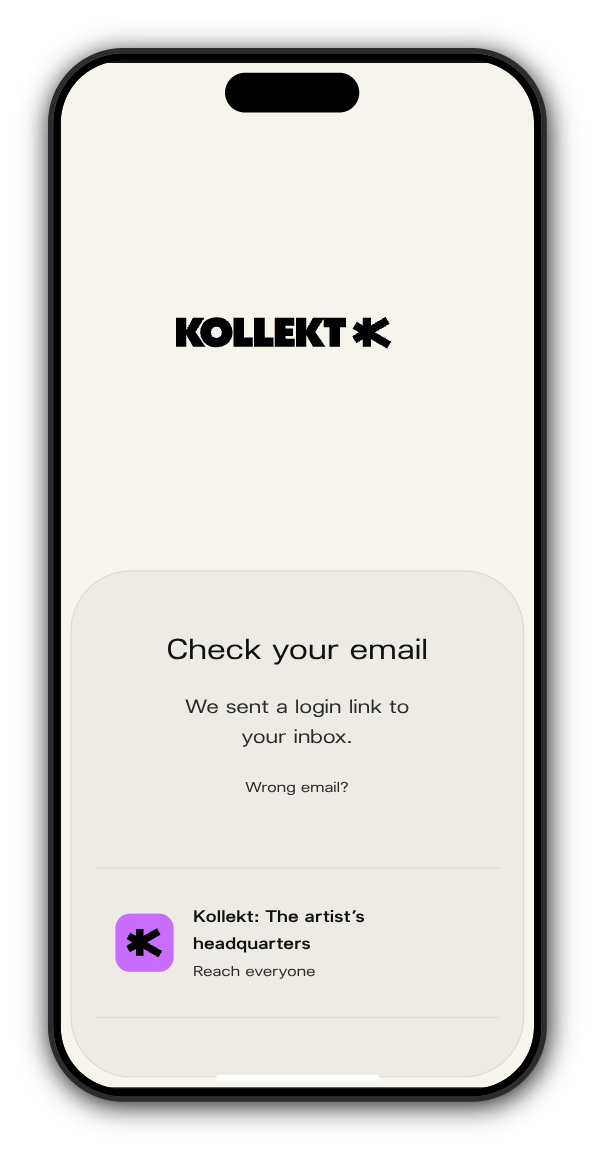
The screen changes to Check your email. The email is called Step in to Kollekt. Tap the button for the device you're on: the one under iPhone · iPad, the one under Android, or Sign in on the web on a computer.
4. You're in
You land back on the page you started from. On Android the link opens the Kollekt app if you have it, or your browser.
If the link has expired
A sign-in link works for 7 days. If yours is older, you'll see Link expired. Tap Get a new link and we'll send a fresh one.
Sign out
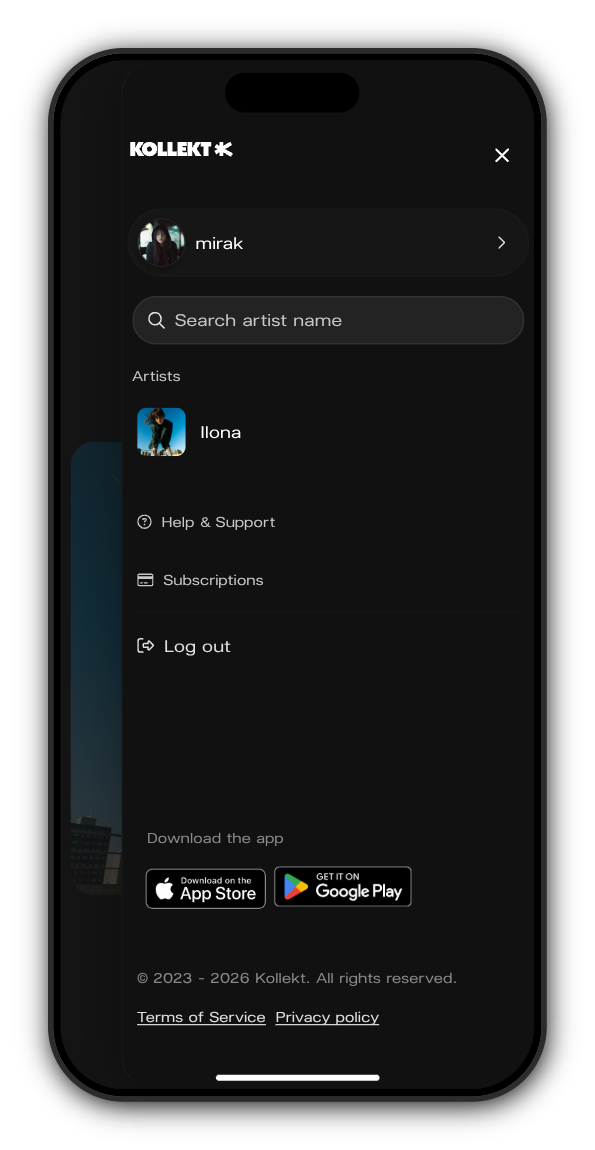
Open the menu with your picture at the top right and tap Log out.
Related: I didn't get my sign-in email. What do I do?
Updated on: 23/10/2026
Thank you!