My sign-in link opens inside Instagram or TikTok. What do I do?
That's fine. Your sign-in link works inside the built-in browsers of Instagram, TikTok, Facebook and Threads, so you can carry on right where the link opened.
On iPhone
1. Open the link
The link opens in the app's own browser and signs you in there.
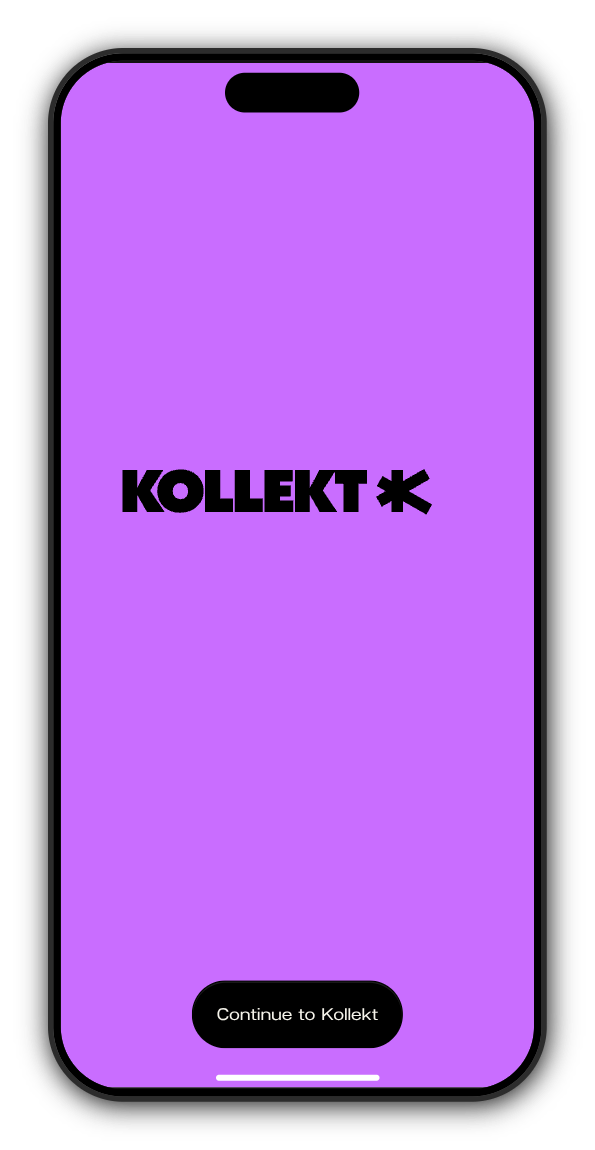
2. Tap Continue to Kollekt
When the purple screen shows Continue to Kollekt, tap it. You land back on the page you started from, signed in.
The same happens when the link opens in Chrome or another browser that isn't Safari.
On Android
Open the link. Inside Instagram's or TikTok's browser it signs you in by itself, with nothing to tap, and takes you back to the page you started from.
If the link has expired
Links work for 7 days. On iPhone you'll see This sign-in link has expired: tap Back to sign in. On Android you go straight to Link expired. Then tap Get a new link and open the newest email.
Related: I didn't get my sign-in email. What do I do?
Updated on: 23/10/2026
Thank you!