How to join an artist's page
Every artist on Kollekt has their own page at kollekt.io/artistname. When you open it, you can browse around freely before joining. Here's how to get in.
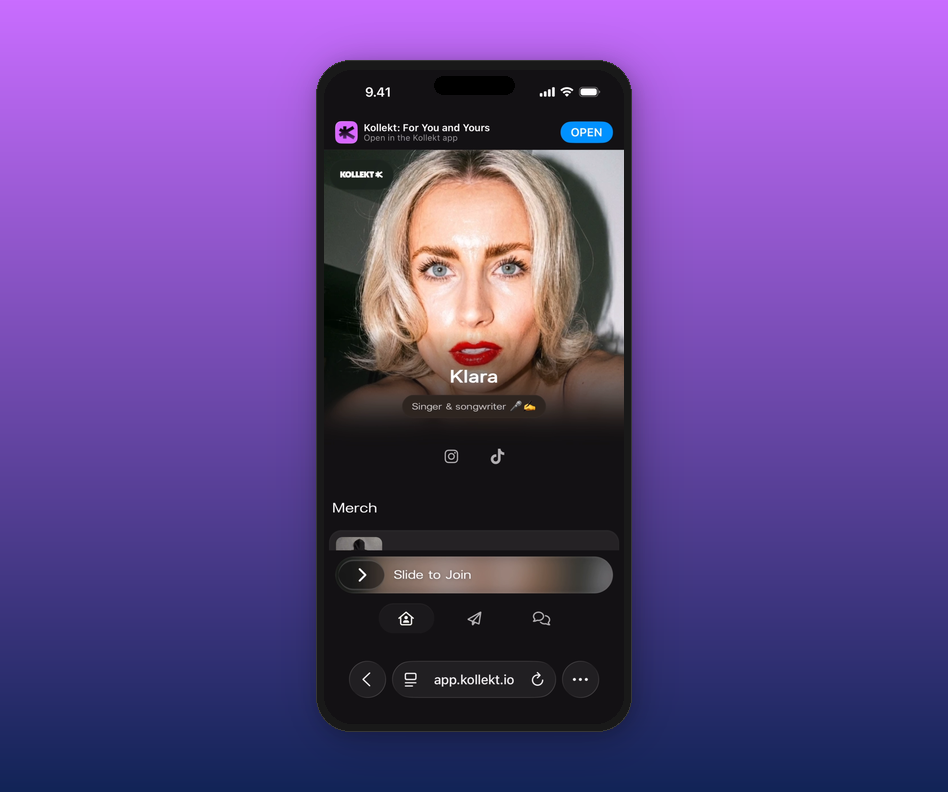
1. Slide to join.
At the bottom of the artist's page, you'll see a "Slide to Join" bar. Swipe it to the right.
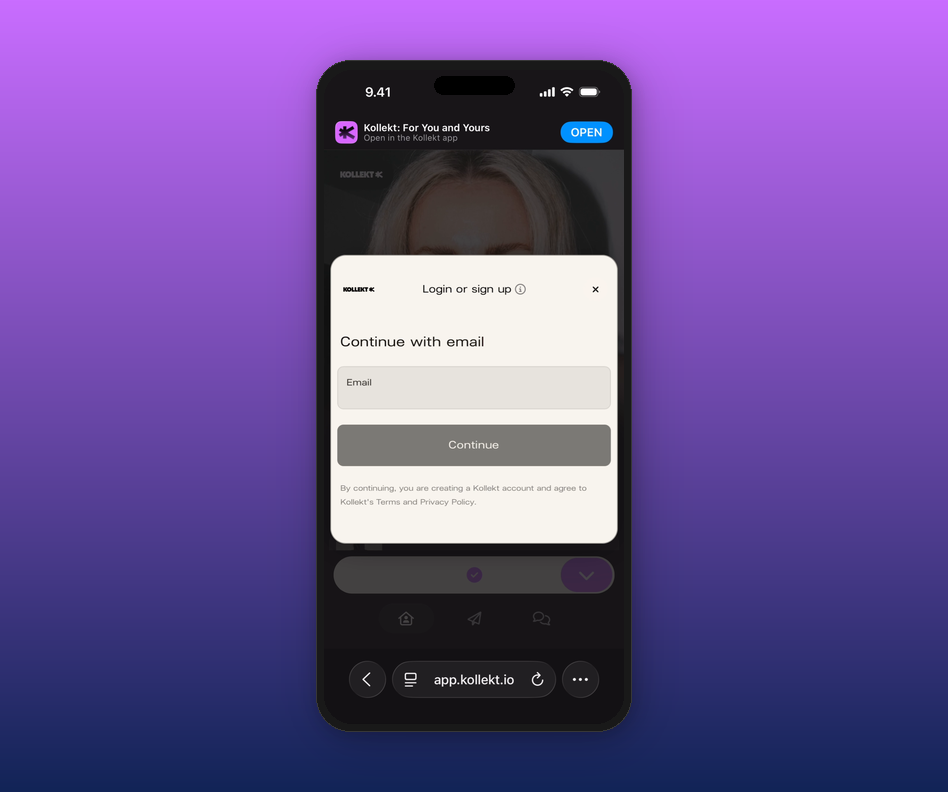
2. Enter your email and tap Continue.
A sign-up screen will pop up. Type your email and tap Continue. No password needed.
3. Open the email from Kollekt.
Check your inbox for an email from Kollekt and tap the Enter button inside.
4. Don't have the app yet?
You'll be taken to the App Store or Google Play. Download Kollekt and you're in.
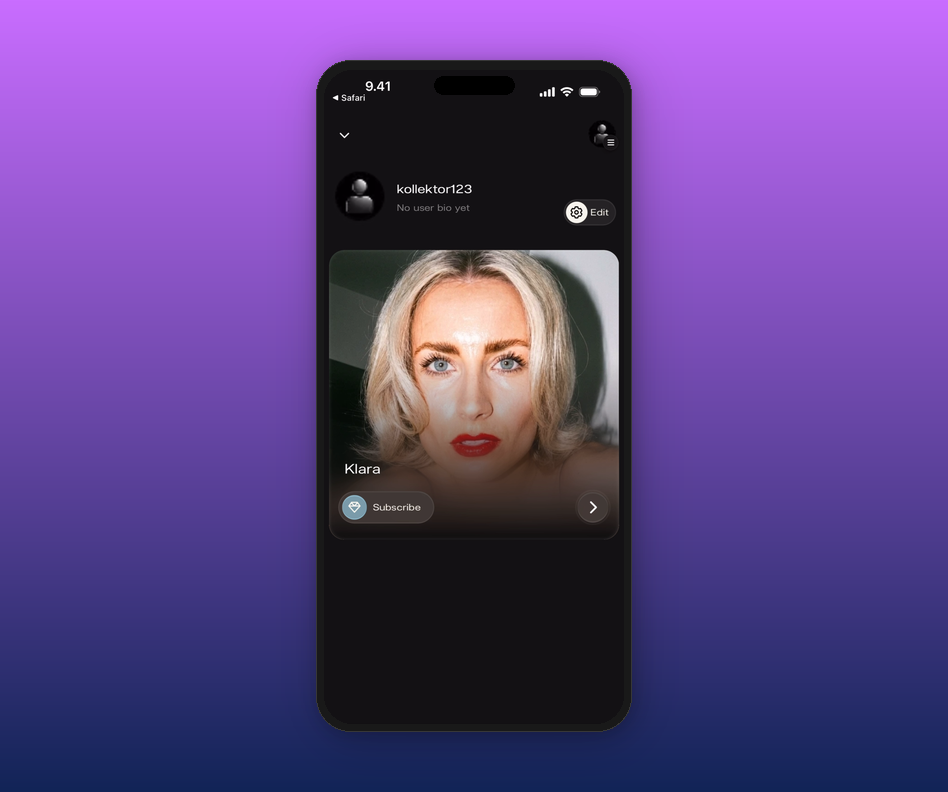
5. You're in.
You'll land on your home screen and see the artist you've joined there. Tap their card to explore their space.
Related articles
What happens when I follow an artist?
Is following free?
How do I access the chat?
Do I need to download the app?
Updated on: 16/04/2026