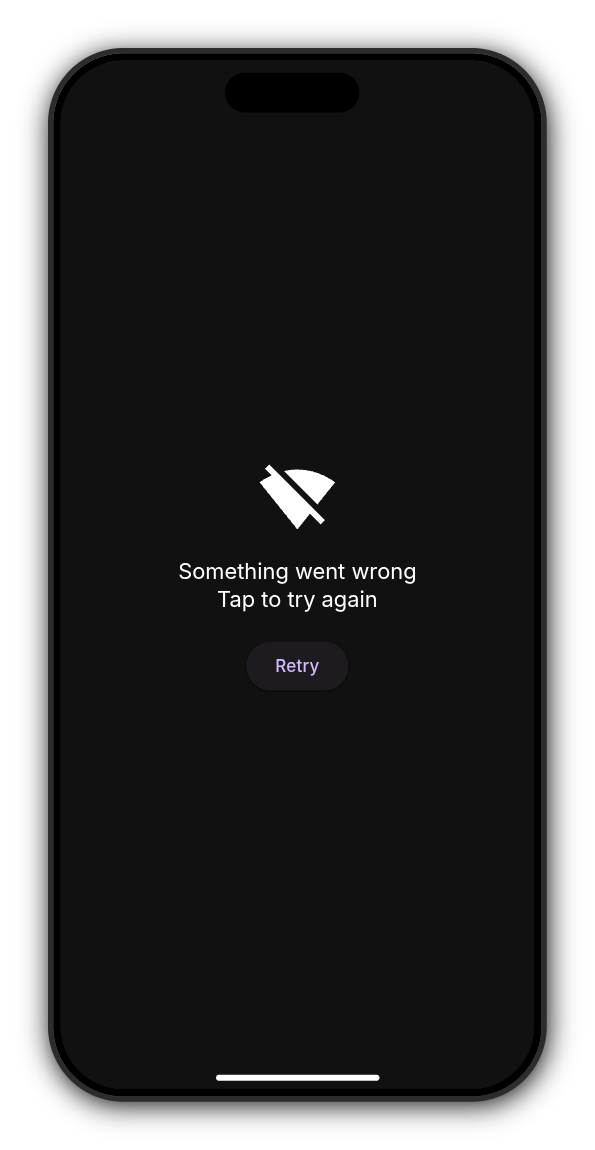
The app says “Tap to try again”. What do I do?
It means the Kollekt app couldn't load the page, most often because the connection dropped for a moment. The app has already tried once more by itself before showing this screen.
Get back in
1. Check your connection
Make sure your phone is on Wi-Fi or mobile data.
2. Tap Retry
The app loads the page again. Once your connection is back, you carry on where you were.
If the app says Update Required
This means your version of the app is too old to keep working. Tap Update Now to open the App Store or Google Play, update Kollekt, and open it again.
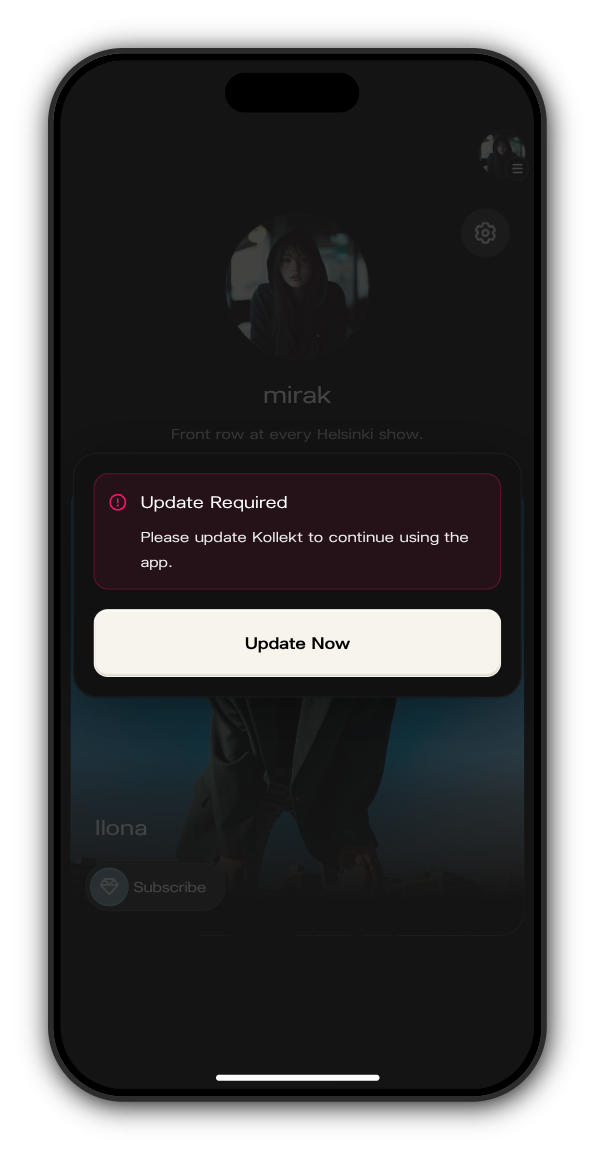
You might also see a smaller message: A new version of Kollekt is available with improvements and fixes. Here you can tap Update Now, or Not now to keep going and update later.
Updated on: 22/10/2026
Thank you!