How do I buy a drop?
You buy a drop once, and it's yours. Most drops are pay what you want: you pay the minimum price or choose to pay more.
How to buy a drop
1. Open the drop
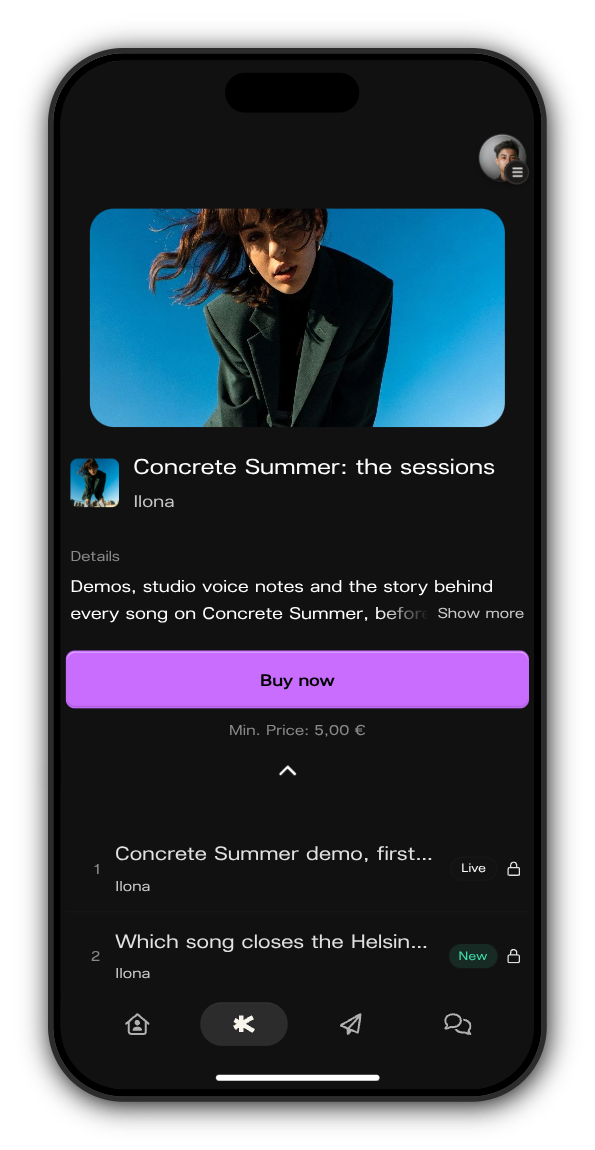
Tap Drops at the bottom of the artist's Kollekt and pick the drop. Tapping one of its locked posts works too.
2. Tap Buy now
The minimum price is shown under the button.
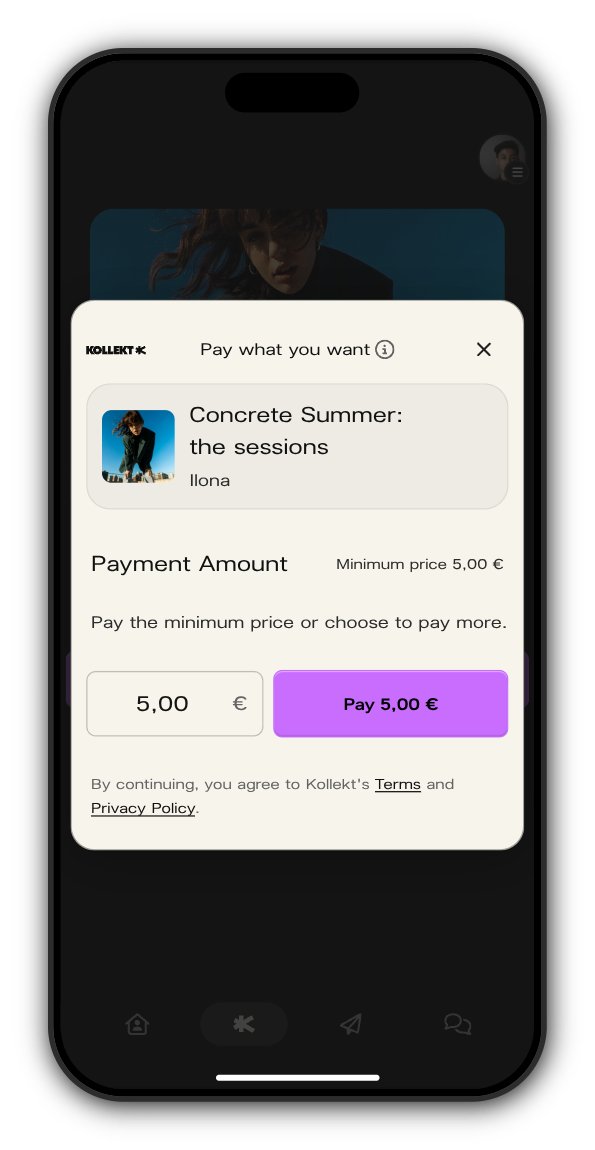
3. Set your price
Keep the minimum or type a higher amount, then tap Pay with the amount.
4. Pay
In your browser and on Android you pay on a secure Stripe page. In the iPhone app, Apple's payment sheet opens, and the price there also covers Apple's App Store fee.
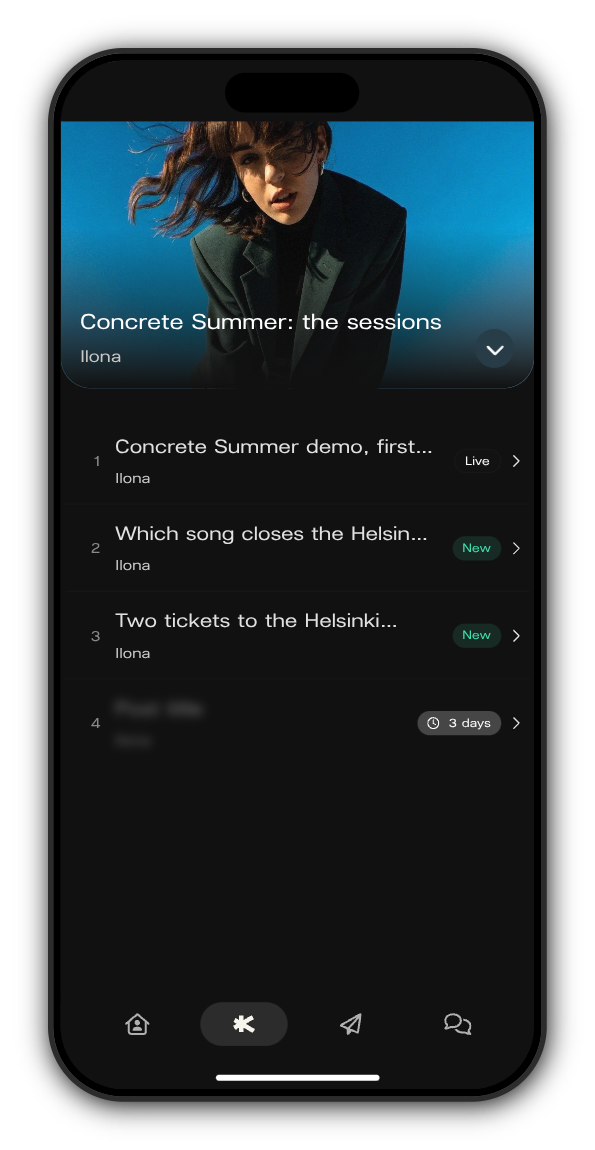
5. The drop is yours
You come back to the drop, and its posts open. Each one now has an arrow instead of a lock.
Free drops
A free drop says FREE under a Join button. Sign in, tap Join, and the drop is yours straight away.
Updated on: 19/10/2026
Thank you!