How do I subscribe to an artist?
Subscribing opens what an artist keeps for subscribers in their Kollekt. Joining an artist is free. Subscribing is optional, and it renews every month until you cancel.
What you get
Member | Subscriber | |
|---|---|---|
The artist's Direct Line posts | ✓ | ✓ |
Posts the artist keeps for subscribers | ✓ | |
The Subscribers Chat | ✓ | |
Send images and videos in chat | ✓ | |
Highlighted name and subscriber badge | ✓ |
A subscription is 4,99 € a month, VAT included. In the iPhone app it's 5,88 € a month, which also covers Apple's App Store fee. You can choose to pay more.
How to subscribe
1. Open the subscribe screen
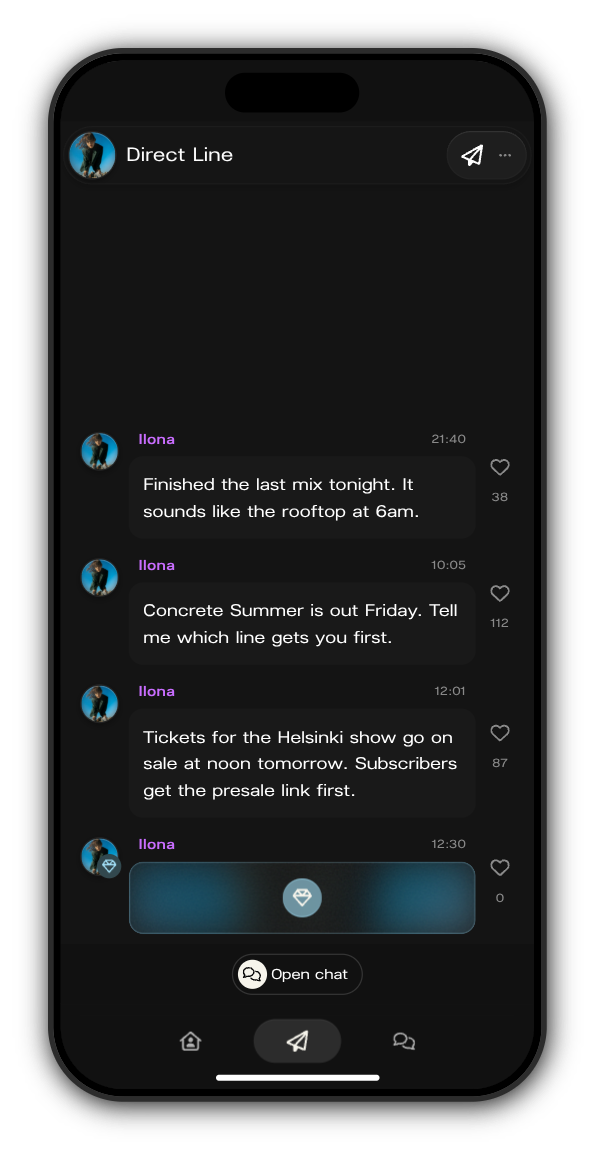
Tap a post marked with the blue gem in the artist's Direct Line, or the gem at the top of the artist's Kollekt.
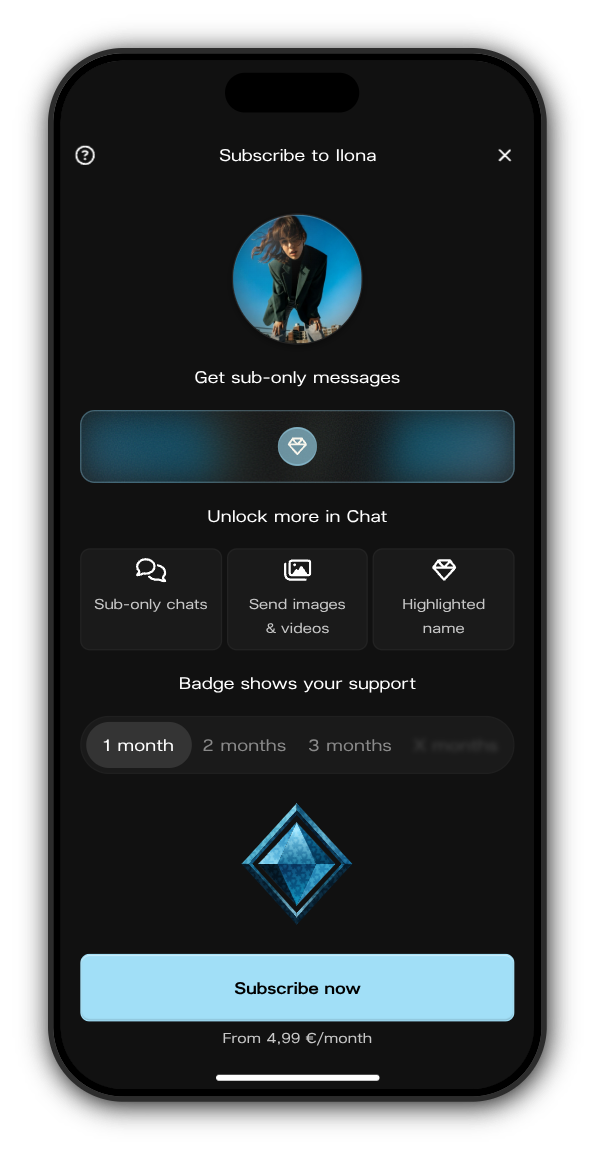
2. Check your badge and tap Subscribe now
The 1 month, 2 months and 3 months tabs show how your badge grows the longer you stay subscribed. The price under the button is where subscriptions start.
3. Set your price
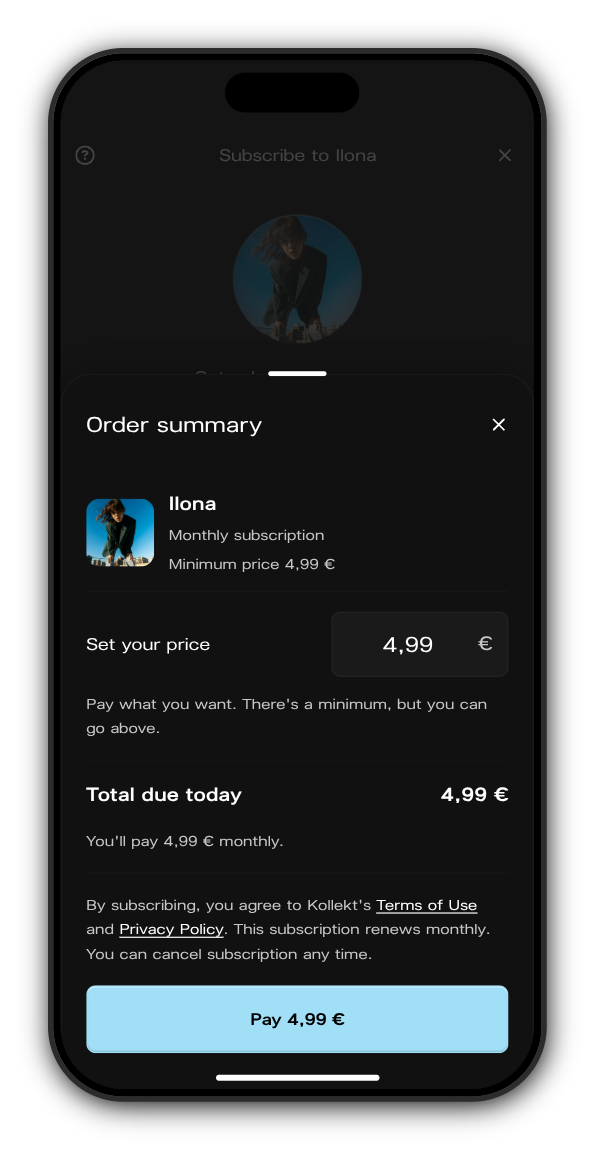
The Order summary opens. Subscriptions are pay what you want: keep the minimum or type a higher amount. Everyone gets the same perks, whatever they pay.
4. Pay
Check Total due today and tap Pay. In your browser and on Android you pay on a secure Stripe page. In the iPhone app, Apple's payment sheet opens.
5. You're in
The posts and the chat kept for subscribers open straight away, and your badge shows next to your name in chat.
Manage or cancel
Open the menu and tap Subscriptions to see everything you pay for.
- Paid in your browser or on Android: tap Manage Stripe Subscriptions.
- Paid in the iPhone app: tap Manage Apple Subscriptions, or open iPhone Settings → your name → Subscriptions.
Related: What does Kollekt cost?
Updated on: 23/10/2026
Thank you!