How do I edit or delete a post?
You can change or remove a post in one of your drops at any time from Drops. Posts on your Direct Line can be deleted, but not edited.
Edit a post in a drop
1. Open Drops
Open your Kollekt in a browser and add /admin to the end of the address (for example app.kollekt.io/ilona/admin), then tap Drops. Choose the drop under Drop to see its posts under Posts.
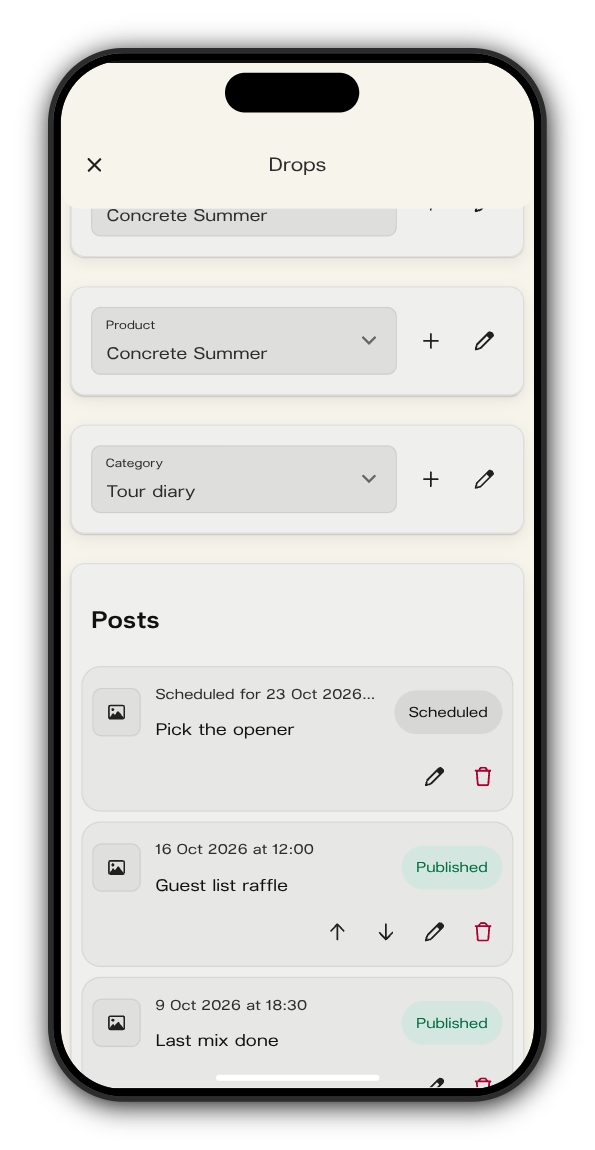
2. Tap the pencil
Edit post opens with everything the post holds. Change the media, title, caption or the vote on Content, and the category or schedule on Settings.
3. Tap Update
Your changes are saved to the post.
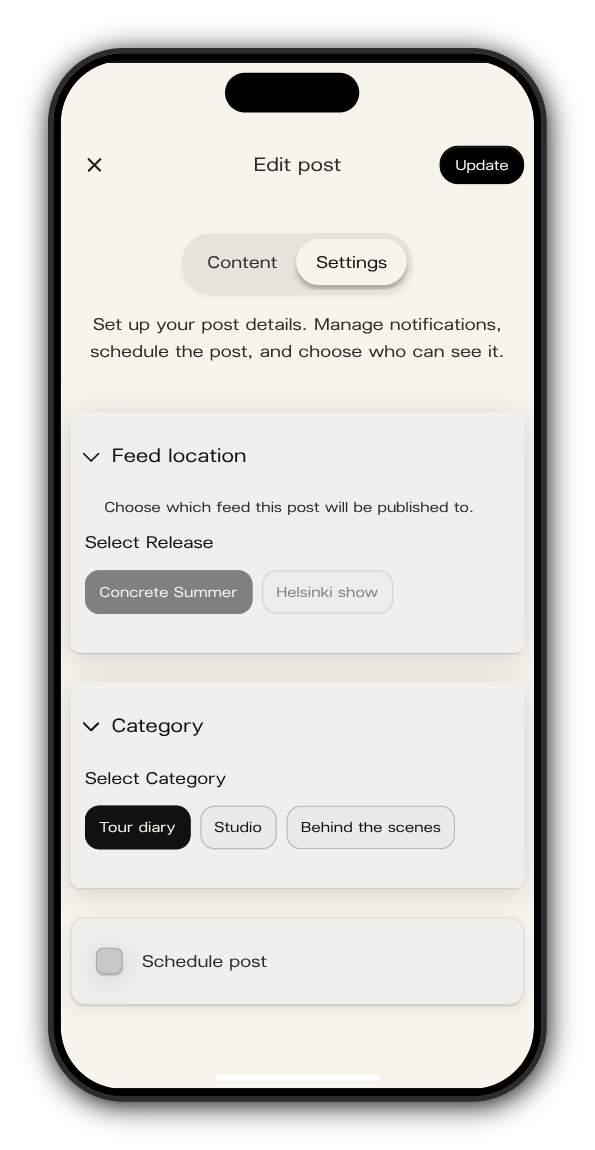
Delete a post in a drop
Tap the red bin next to the post, then Delete post to confirm.
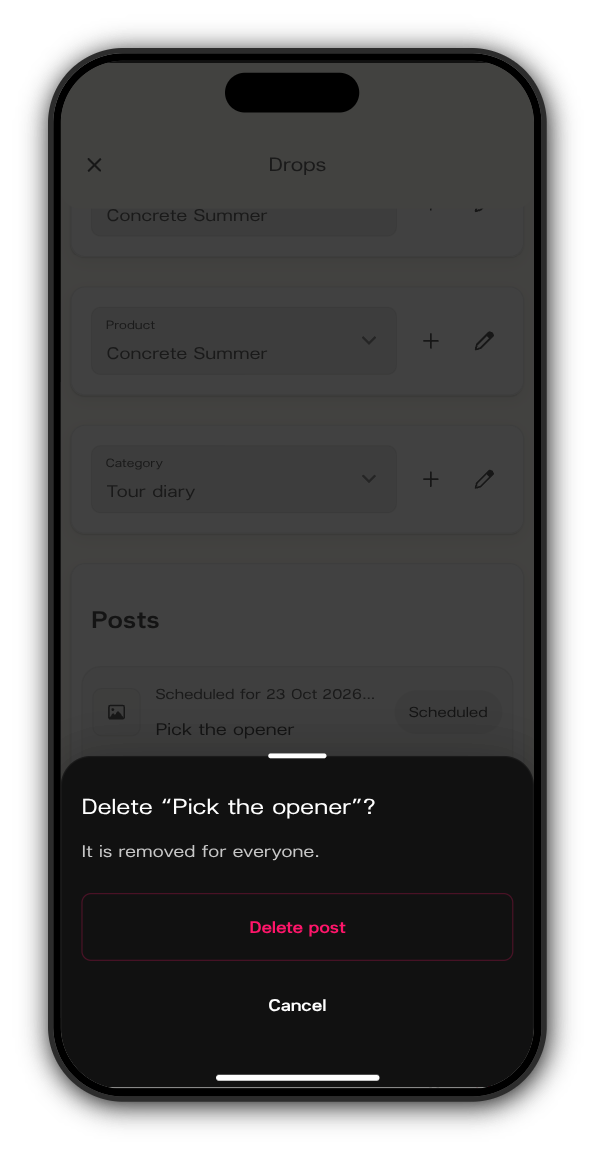
Delete a Direct Line post
Press and hold the post on your Direct Line (on a computer, right-click it or use the ⋯ beside it). Tap Delete, then Delete message. To fix a typo, delete the post and send it again.
Updated on: 23/10/2026
Thank you!