How do I split earnings with my team?
A split decides how your earnings are shared between the people who work on your Kollekt, such as you and your manager. Each person in the split is then paid their own share through their own payouts.
Set your default split
The default split covers subscriptions and every sale, unless a product has a split of its own.
1. Open Payments
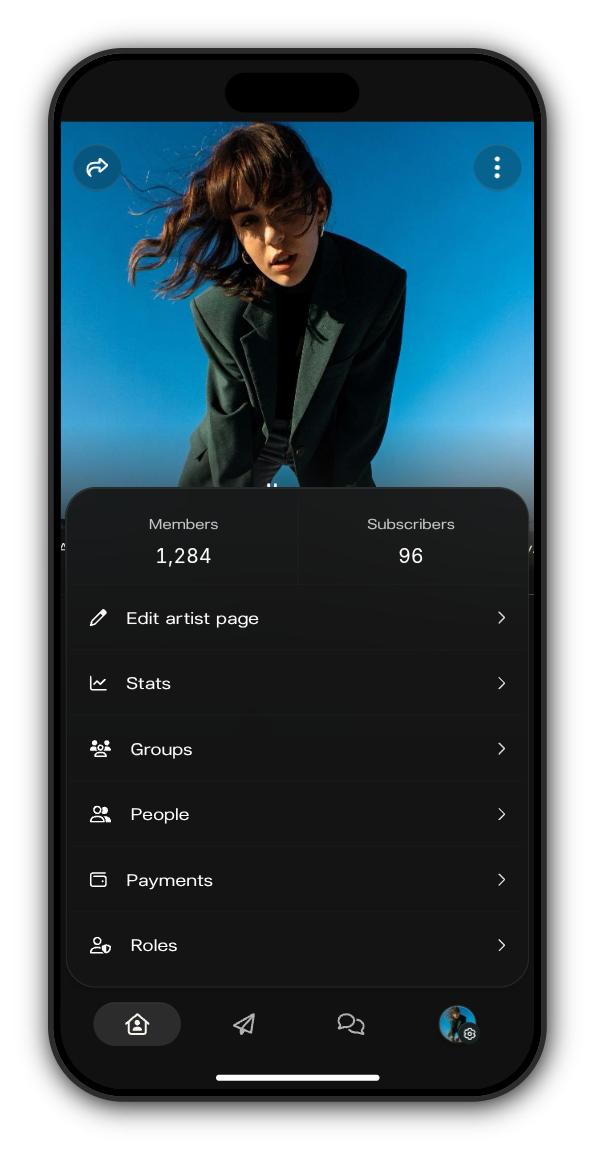
On your Kollekt, tap your picture with the gear in the tab bar, then tap Payments.
2. Add a team member
Tap Add user to split, search for their username and pick them. Type their share and tap the tick. They need to have joined your Kollekt to show up in the search.
3. Check what's left for you
The Owner row at the top shows your own share. It updates by itself: with your manager at 20 %, it shows 80 %. Shared under the list is the total you've given to your team.
4. Save the split
Tap Save. To change a share, type the new number and tap Save again. The bin removes someone from the split. If Shared goes over 100 %, it shows how much over, so lower a share until it fits.

Give a product its own split
Under Product splits, open a product and turn on Add custom split. Its own split then replaces the default one for that product.
Updated on: 23/10/2026
Thank you!