How do I organise posts with categories?
Categories sort the posts in a drop into tabs, like Tour diary or Studio. Members see an All tab with every post, then a tab for each category that has posts in that drop.
Create a category
1. Open Drops
Open your Kollekt in a browser and add /admin to the end of the address (for example app.kollekt.io/ilona/admin), then tap Drops.
2. Tap + next to Category
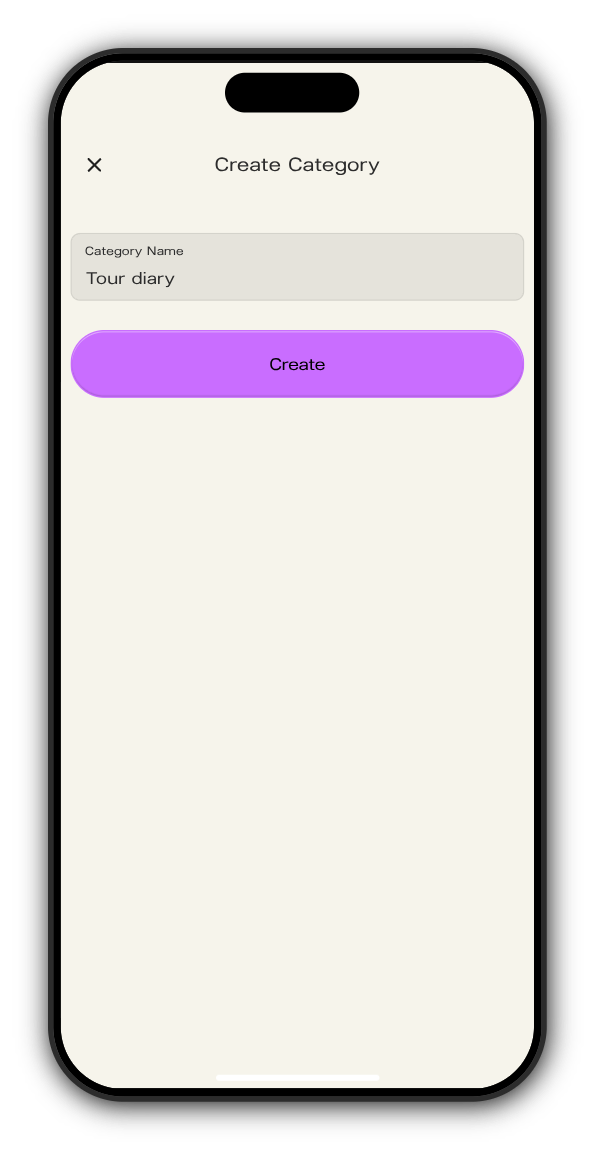
Create Category opens.
3. Name it and tap Create
Type the name under Category Name and tap Create.
Put a post in a category
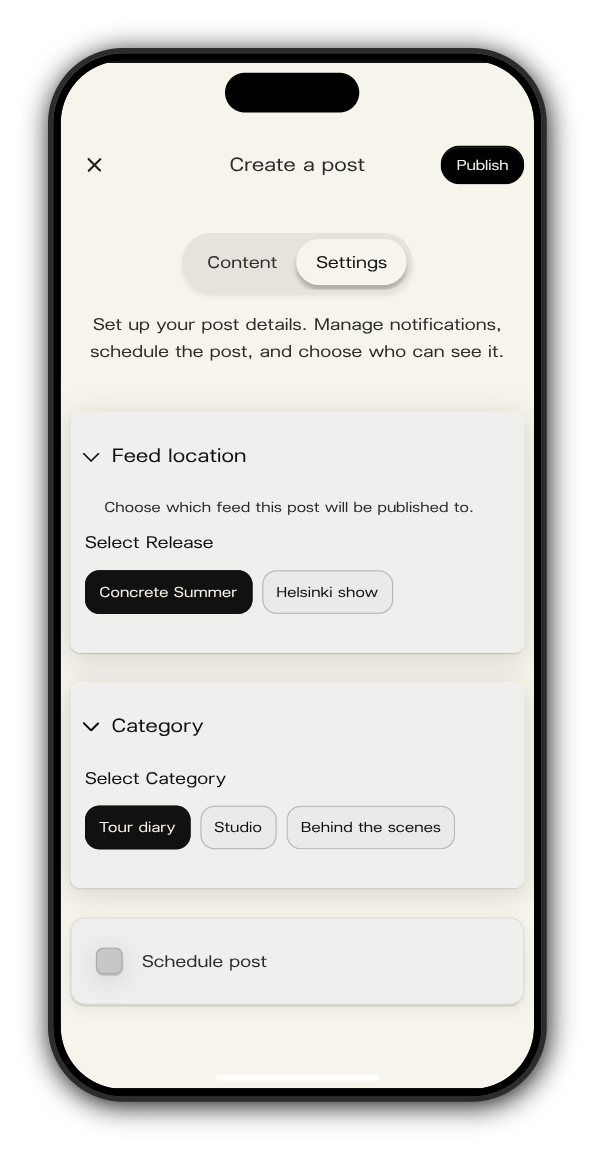
When you create or edit a post, open Settings and pick the category under Category. Each post can have one category.
Rename a category
In Drops, choose the category under Category and tap the pencil next to it. Change the name and tap Update.
Updated on: 19/10/2026
Thank you!