How do I post on the Direct Line?
The Direct Line is where you post to everyone who joined your Kollekt. A post can be words, photos, a video, a link or a voice note, and it always goes out under your artist name.
Write and send a post
1. Open the Direct Line
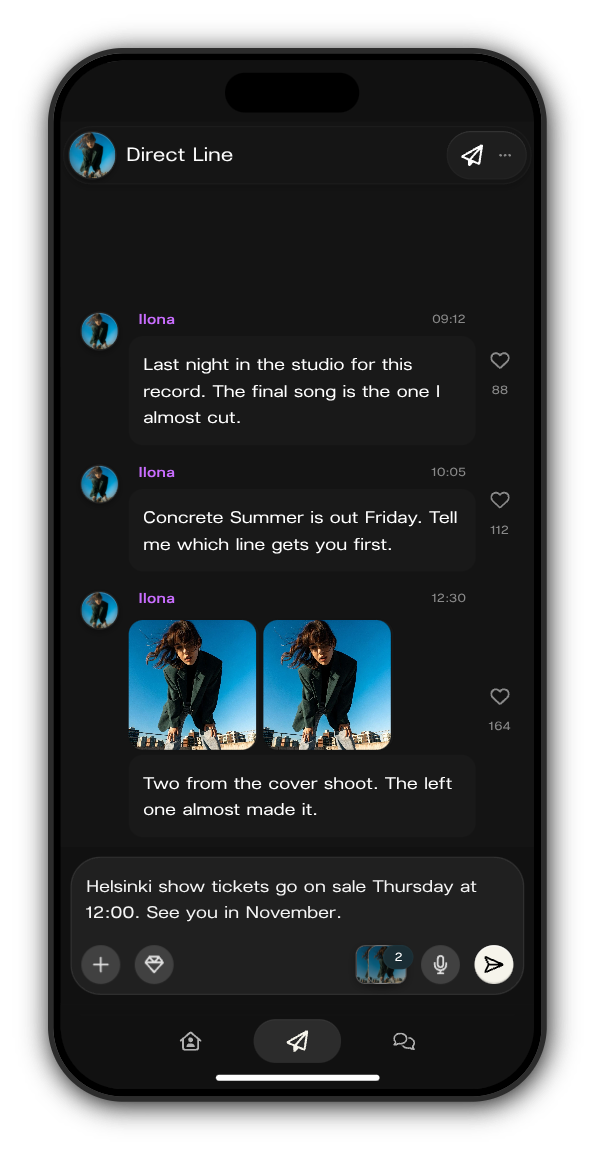
Tap the paper plane in your Kollekt's tab bar. As the owner or an admin, you'll see the message box at the bottom: Send a message...
2. Write your post
Type up to 2,000 characters. Paste a link anywhere in the text and it shows under your post, ready to open.
3. Add photos or a video
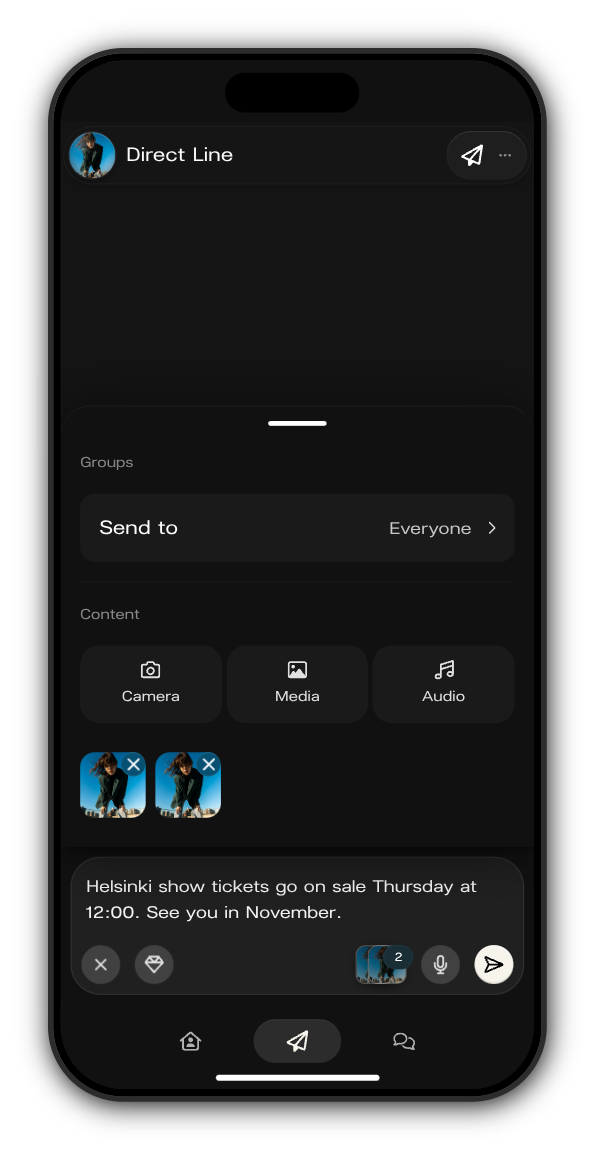
Tap + and choose Camera to take one now, or Media to pick from your phone. One post holds up to 10 photos and videos. Tap the cross on a picture to take it out.
4. Send
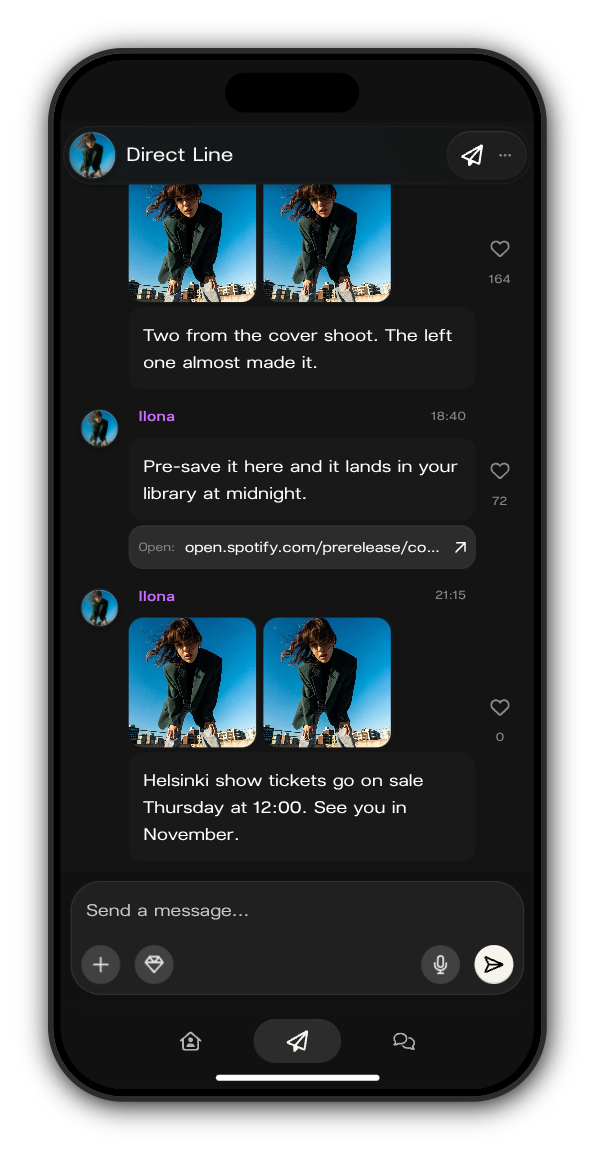
Tap the white arrow. Your post is on the Direct Line straight away.
What members get
Members get a push notification with your name and the start of your post, or an email when a push can't reach them, depending on their settings. Nobody gets more than one email a day about chats and the Direct Line, however much you post.
Want to talk instead of type? Tap the microphone to record a voice note.
Updated on: 19/10/2026
Thank you!