How do I see and export my members?
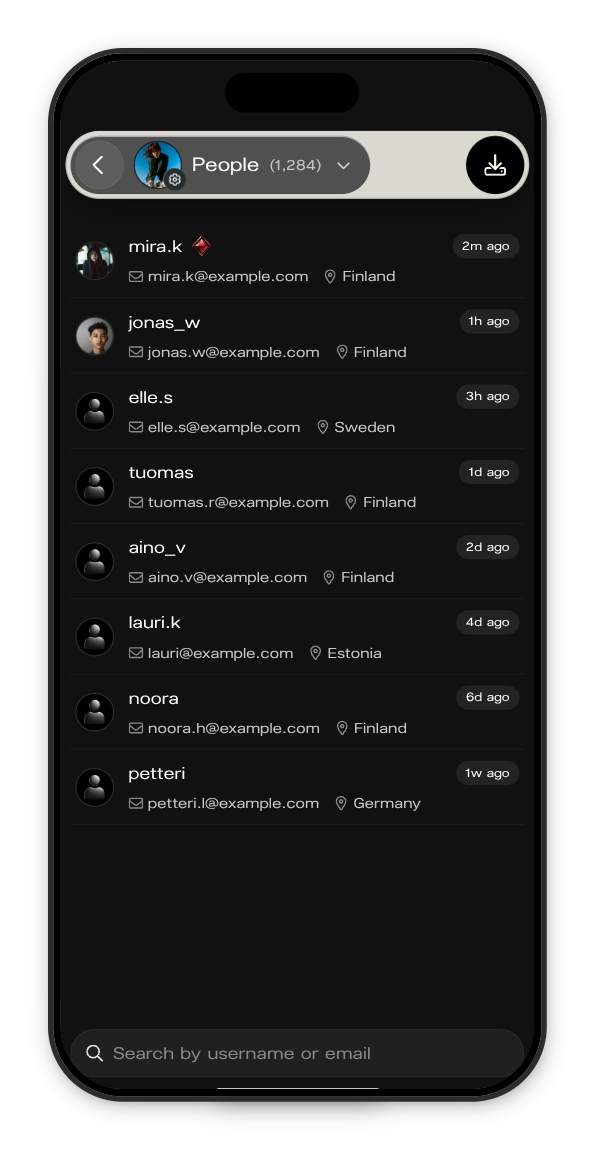
Everyone who has joined your Kollekt is listed under People, with their email and country. You can search the list and download it as a CSV file.
See your members
1. Open People
In your Kollekt, tap your picture with the gear in the tab bar, then People. The number next to the title is how many members you have.
2. Read the list
Each member shows their username, email and country, and when they were last active. Subscribers have their badge next to their name.
3. Search
Type a username or email in the search field at the bottom to find someone.
Export your members
1. Tap the download button
It's at the top right of People.
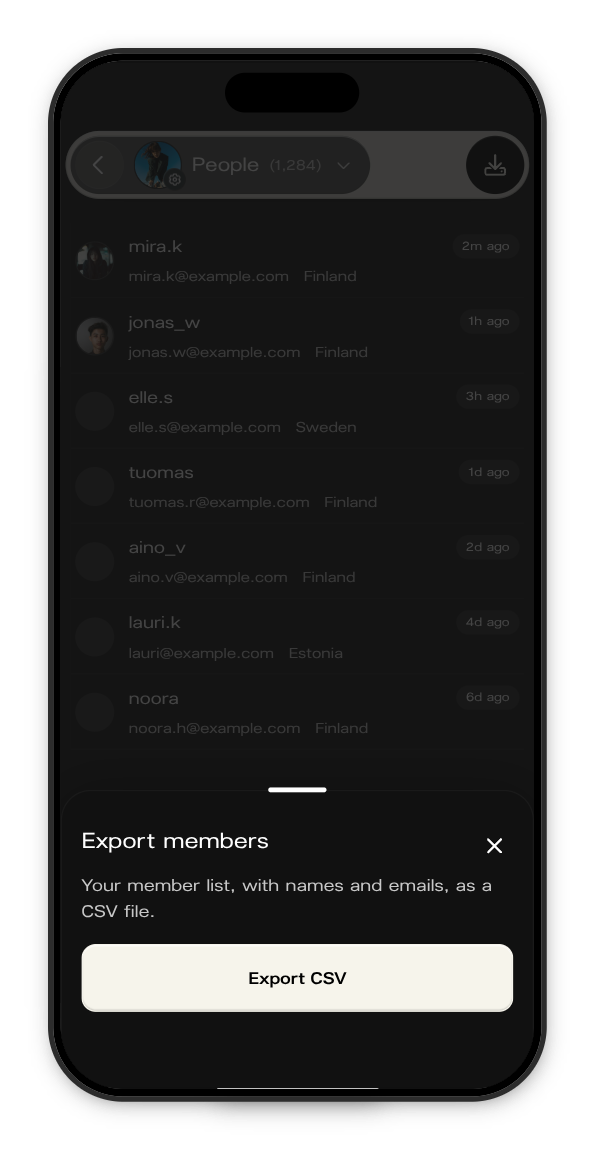
2. Tap Export CSV
The file downloads straight away, named after your Kollekt's link, for example ilona-members.csv.
What's in the file
One row per member, with these columns:
- username
- country
- joined_at: when they joined your Kollekt
- subscriber: yes or no
People who have deleted their Kollekt account aren't included.
Updated on: 19/10/2026
Thank you!