How do I send a voice note?
A voice note is the simplest way to say something on your Direct Line: tap, talk, send. Your members hear it in your own voice.
Record and send
1. Tap the microphone
In the Direct Line, tap the microphone in the message box. The recorder opens above it.
2. Record
Tap the white microphone to start. The timer counts while you talk; tap again to stop. A voice note can be up to 5 minutes long, and the recording stops by itself when it gets there.
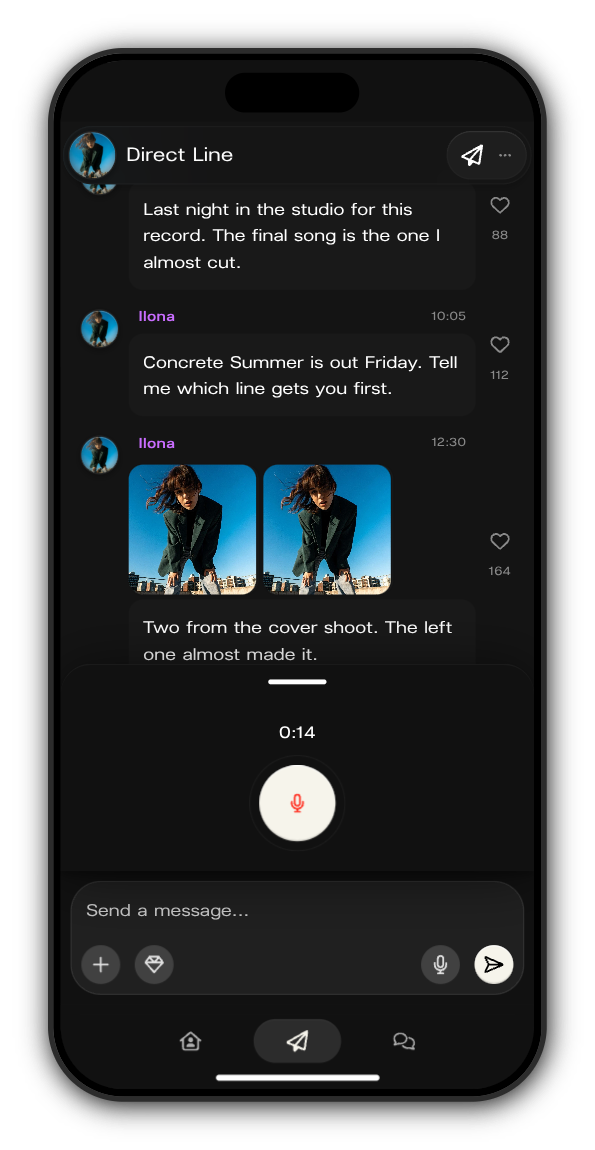
3. Listen back
Play it through. Tap the bin to delete it and record again, or the check mark to add it to your post.
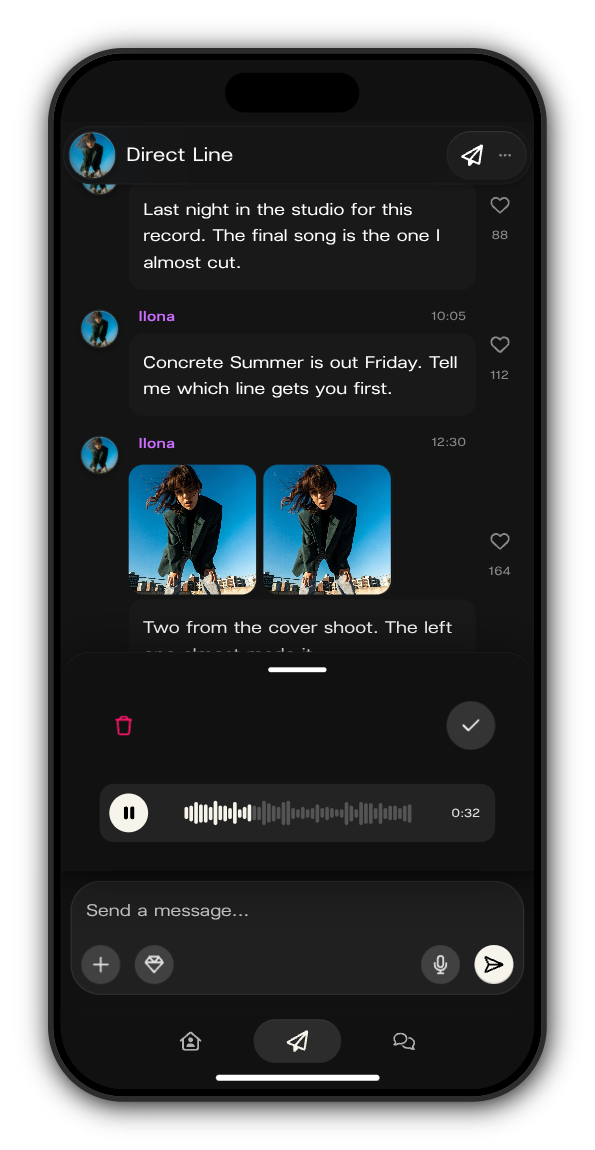
4. Send
Add a few words if you like, then tap the white arrow. Your voice note is on the Direct Line, ready to play, and members are told about it like any other post.
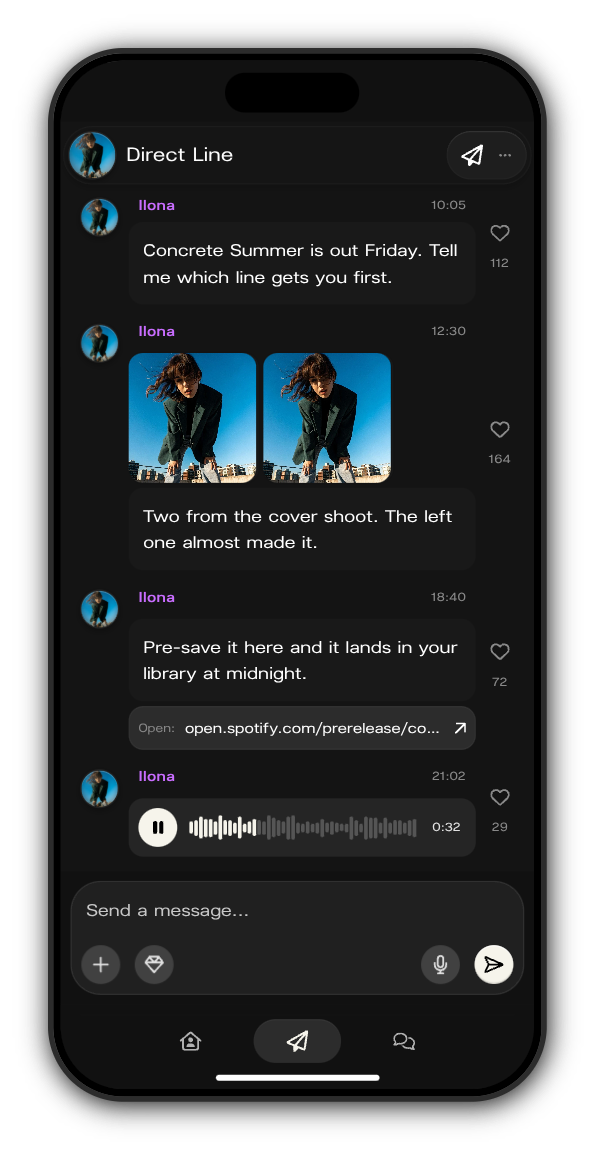
Good to know
- A recording needs to be at least 1 second long.
- One post holds one voice note.
- If you see Recording not allowed, your phone or browser isn't letting Kollekt use the microphone. Check its microphone settings and try again.
Updated on: 19/10/2026
Thank you!