How does the leaderboard work?
Each artist's leaderboard ranks their members by how they take part. You open it by adding /leaderboard to the artist's address, for example app.kollekt.io/ilona/leaderboard.
Open the leaderboard
1. Go to the artist's leaderboard
In your browser, open the artist's address with /leaderboard at the end. It opens on Overall.
2. Find yourself
When you are signed in, your own row is highlighted. The list shows the top 50 members.
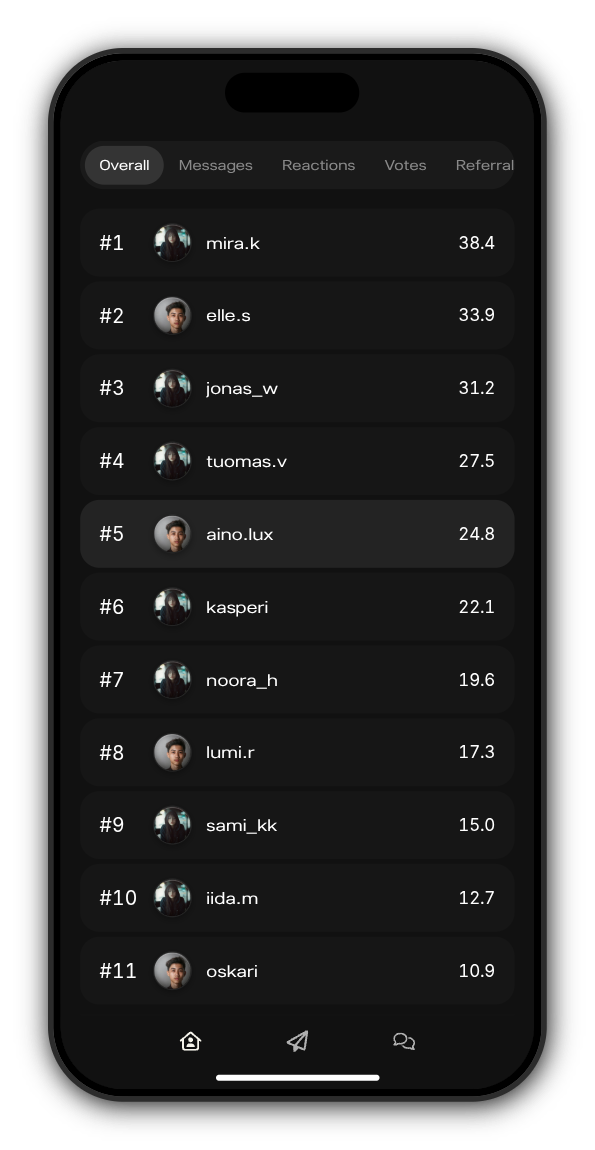
3. Switch what it counts
Tap a tab at the top to rank members by one thing at a time. Swipe the tabs to see them all.
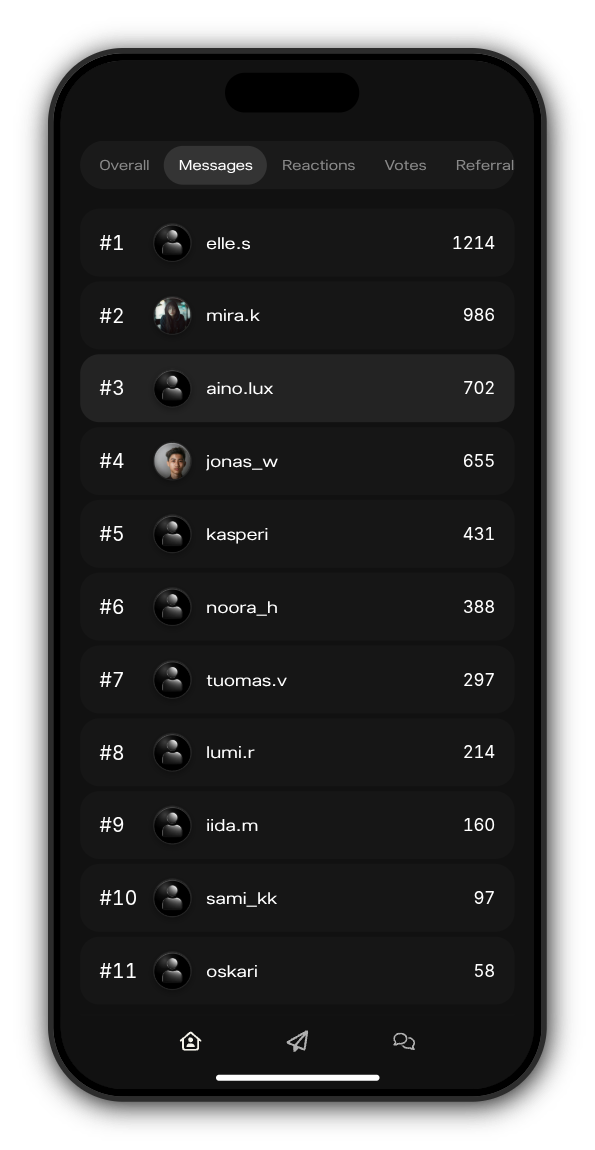
What each tab counts
Tab | What it ranks |
|---|---|
Overall | Everything below together |
Messages | Messages you send in the artist's chats |
Reactions | Reactions you give |
Votes | Votes you cast on the artist's posts |
Referrals | People you brought in who then subscribed or got a drop |
Time | Time you spend in the artist's Kollekt |
Spend | What you have spent with the artist |
Streak | Days in a row you have visited or taken part |
How Overall is counted
Referrals count the most, then what you spend and how long you have been subscribed, then messages and your streak, then reactions, votes and time. Overall slowly goes down while you are away, so taking part regularly matters more than one busy day.
Updated on: 23/10/2026
Thank you!