How do I vote in a poll or enter a raffle?
Artists add polls and raffles to the posts in their drops. Each one has a timer that shows how long it stays open.
Vote in a poll
1. Pick an option
Open the post and tap the option you want.
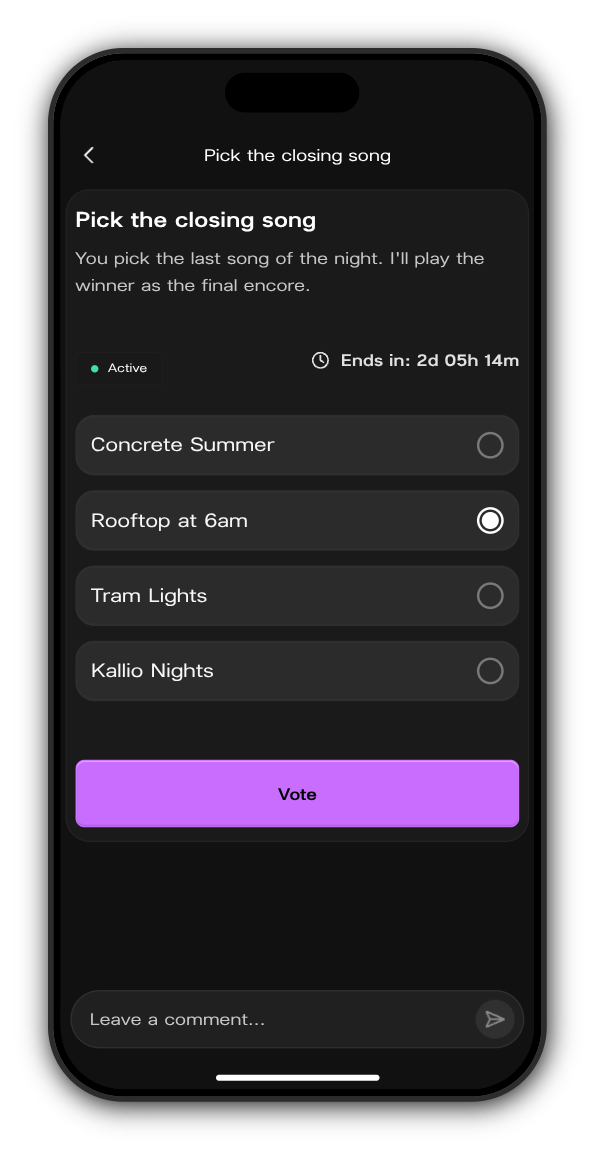
2. Tap Vote
You see the results so far straight away, with your pick outlined. Each member votes once, and a vote can't be changed.
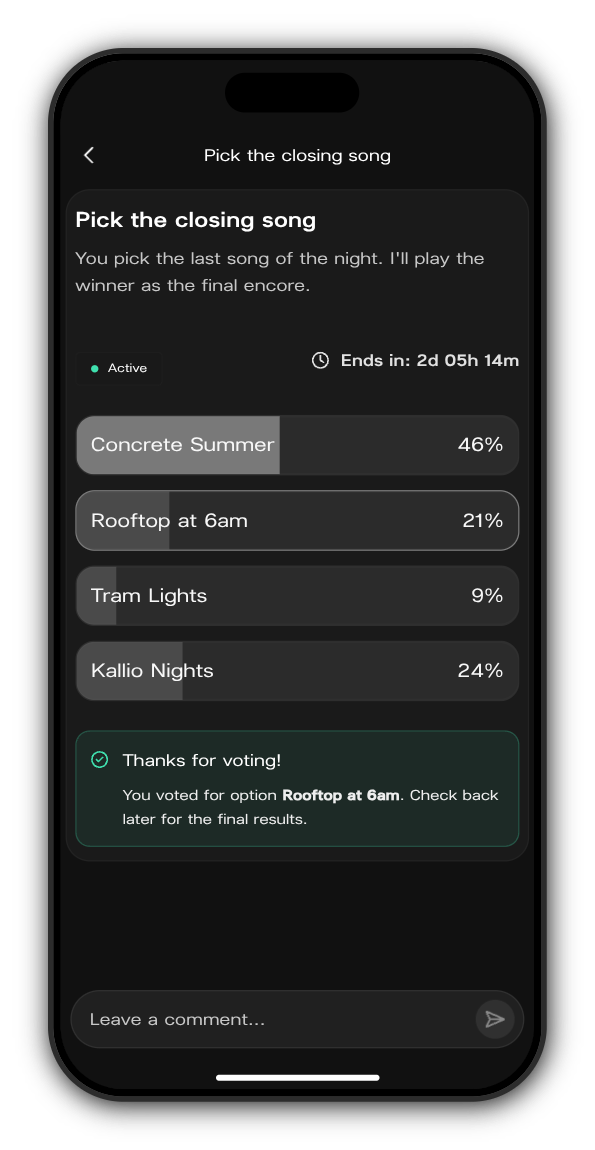
When the timer runs out, the poll shows Ended and names the winning option.
Enter a raffle
1. Tap Join
Open the raffle post and tap Join. The button changes to You are in!
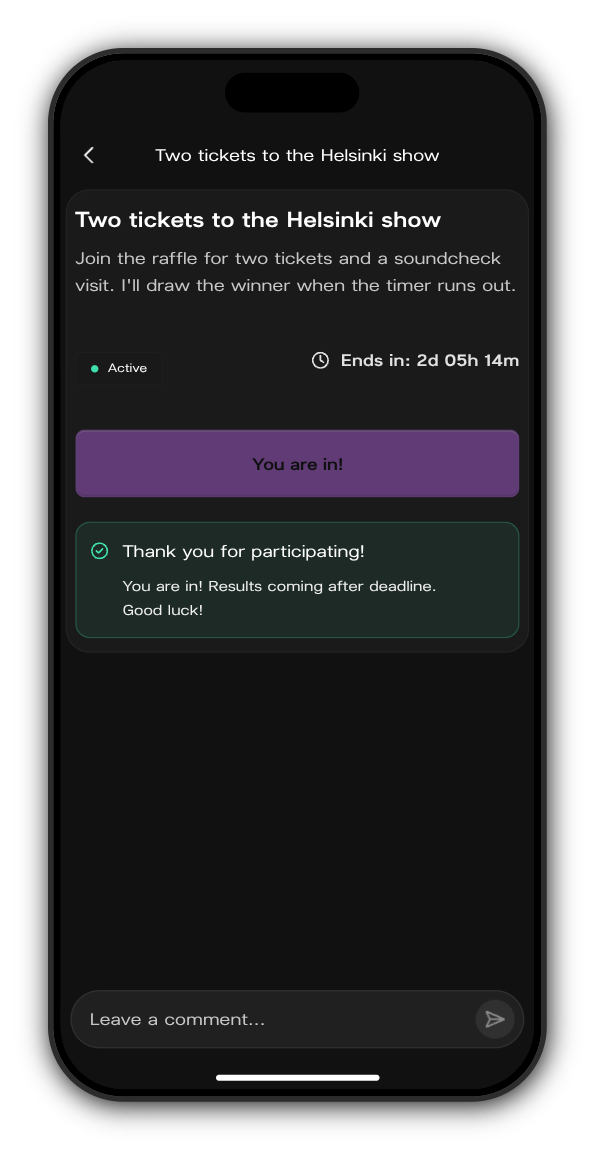
2. Wait for the draw
After the timer runs out, check the post. The winners are listed there once they've been picked.
Updated on: 27/10/2026
Thank you!