My payment failed. What now?
If a subscription payment doesn't go through, nothing closes straight away: your subscription stays open until the end of the time you've already paid for. If you paid in your browser or on Android, you get 3 extra days on top. Update your payment details before then and there's no break.
Paid in your browser or on Android
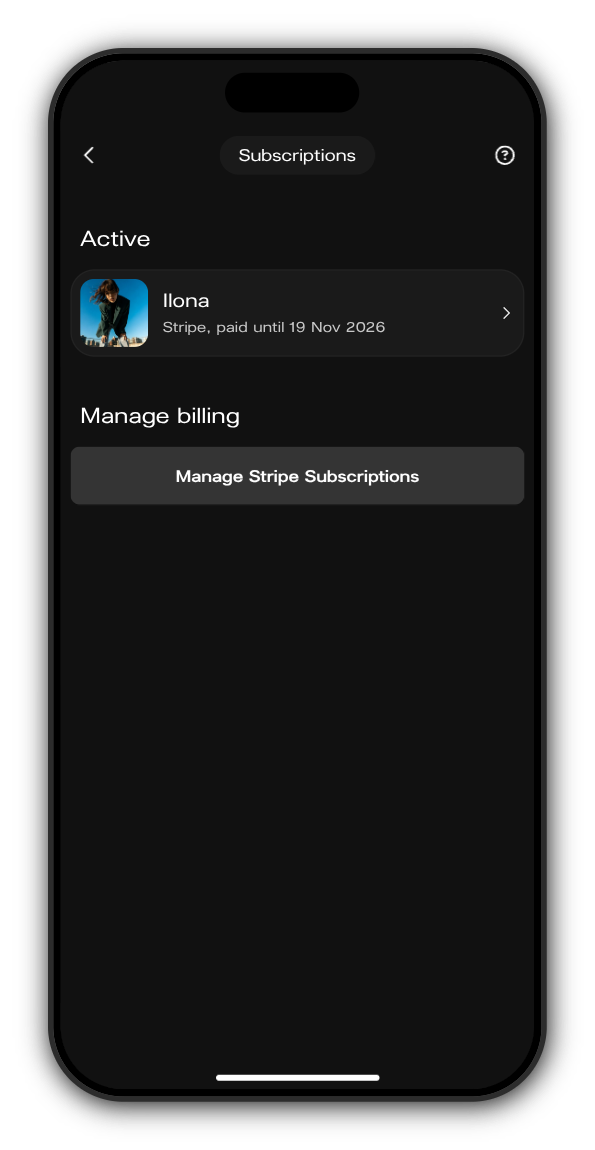
1. Open Subscriptions
Tap your picture at the top right to open the menu, then tap Subscriptions. On a computer, it's in the menu on the left.
2. Tap Manage Stripe Subscriptions
A secure Stripe page opens with your subscriptions and billing details.
3. Update your card
Change the card's details, or add a card that works and use that one instead.
Paid in the iPhone app
Apple takes these payments, so you update the card with Apple. Open iPhone Settings, tap your name, then Payment & Shipping, pick the card and tap Edit.
If your subscription ends
If the time you've paid for runs out before a payment goes through, the posts and chat the artist keeps for subscribers close. You're still a member of the artist's Kollekt, and you can subscribe again whenever you like.
Updated on: 22/10/2026
Thank you!